Your crew sees the window before the bucket moves.
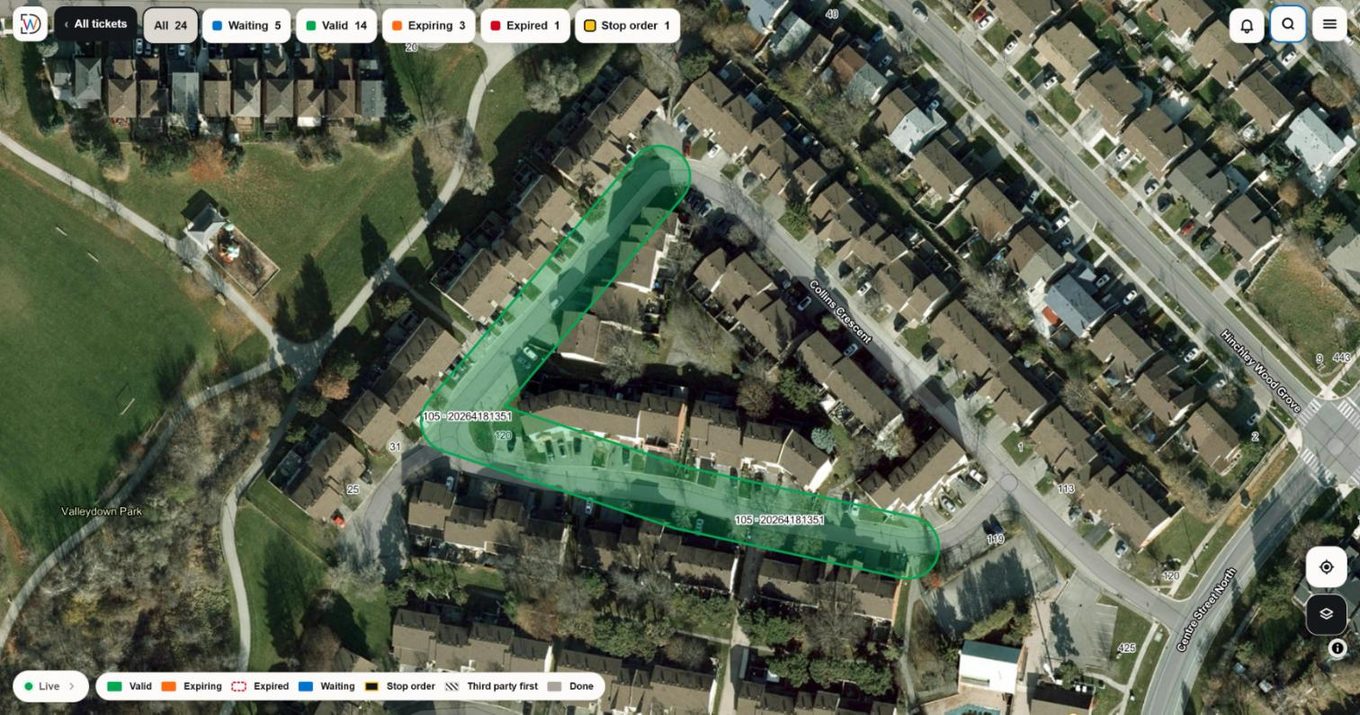
Every dig zone on a live map, colour-coded by locate status. Tap a green zone and the complete locate package opens on the spot. Back at the office, the tracker fills itself in.
What is locate ticket management software?
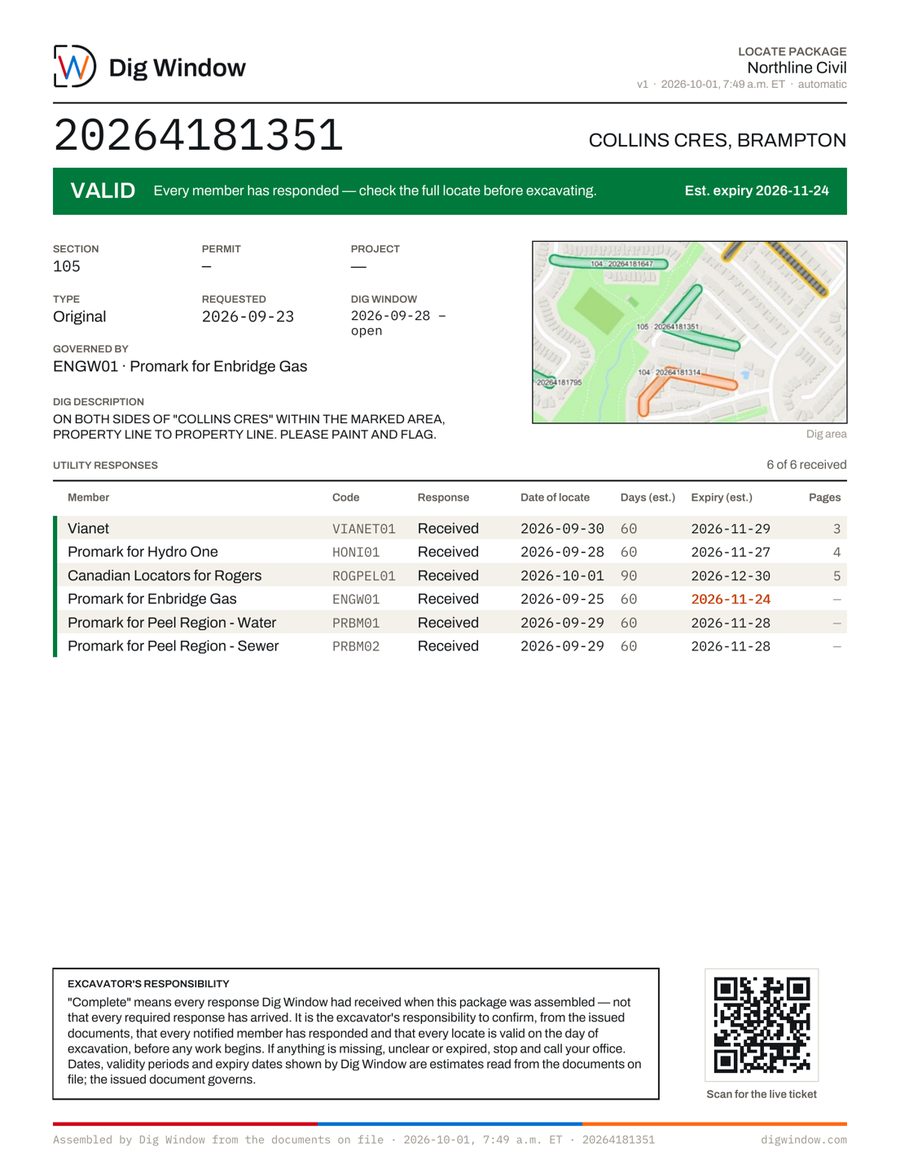
Locate ticket management software keeps track of every utility locate request a contractor makes: which utilities have answered, when each locate expires, and whether each locate package is complete and on the crew's phone. Dig Window does this for Ontario contractors. It picks up Ontario Dig Authority (One Call) confirmations, keeps each utility's locate response with its ticket (read automatically on Tracker and Pro, entered by your coordinator on Mini), flags late and expiring locates, and shows each dig zone and its package on your crew's map.
The crew sees the job, not a spreadsheet.
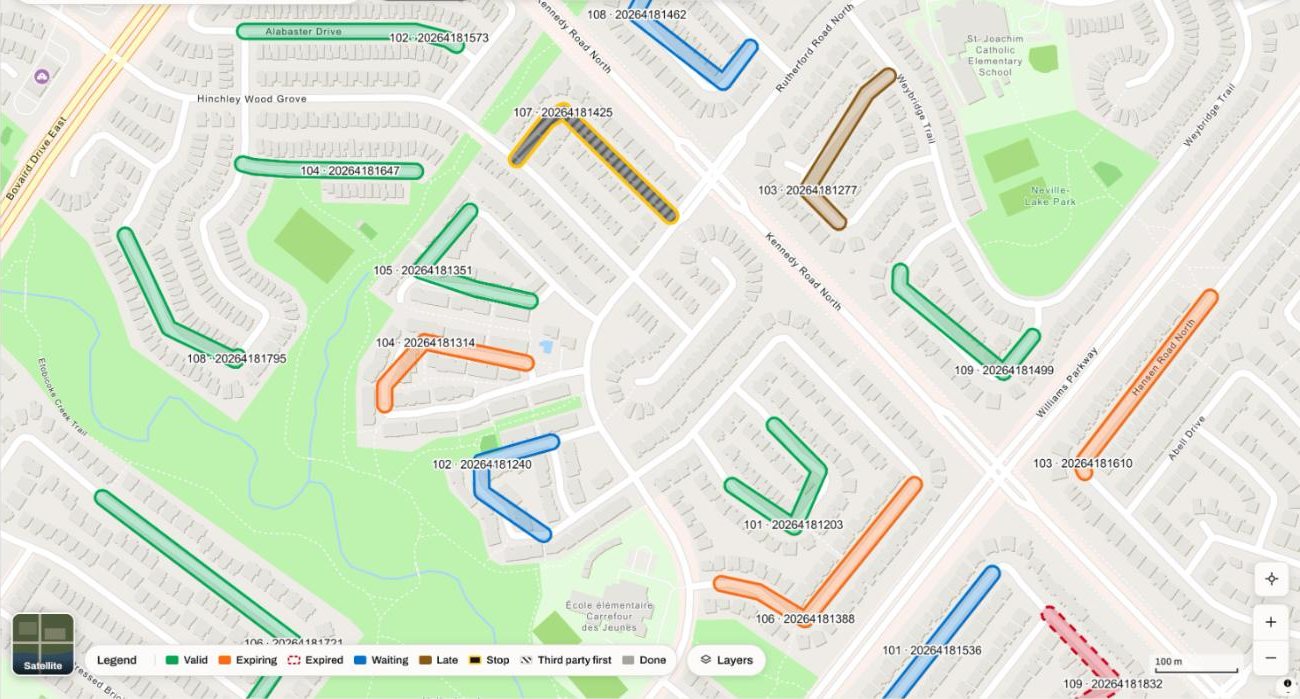
Green zones show the crew where every utility has responded, before they leave the yard.
Nothing to install
Opens in the browser on any phone. Sign in once with a code sent by email. No app store, and no password for the crew to remember.
Every zone, your position
Every dig zone the office requested, colour-coded: Valid, Expiring, Expired or Waiting, on the same map as the blue dot.
Find the ticket. Open the package.
Tap a zone and the complete package opens: confirmation, every member's marks, every sketch. The paperwork, in hand at the dig.
Same five words on the tracker, the map and the printed package. A colour never means two things, and never appears without its word.
Same crew. Same ticket. Different morning.
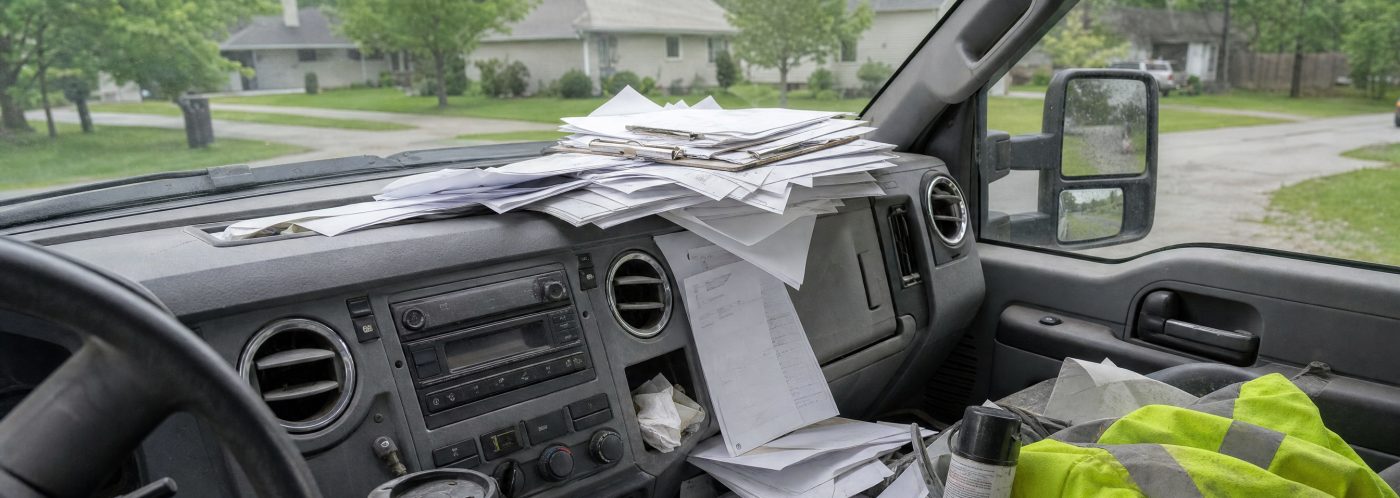
- Foreman calls the office: "Do we have everything for Elm?"
- Coordinator searches the inbox for the gas response.
- Finds it, merges seven PDFs, emails the package.
- Crew waits on the call. Nobody notices the locate expires Wednesday.
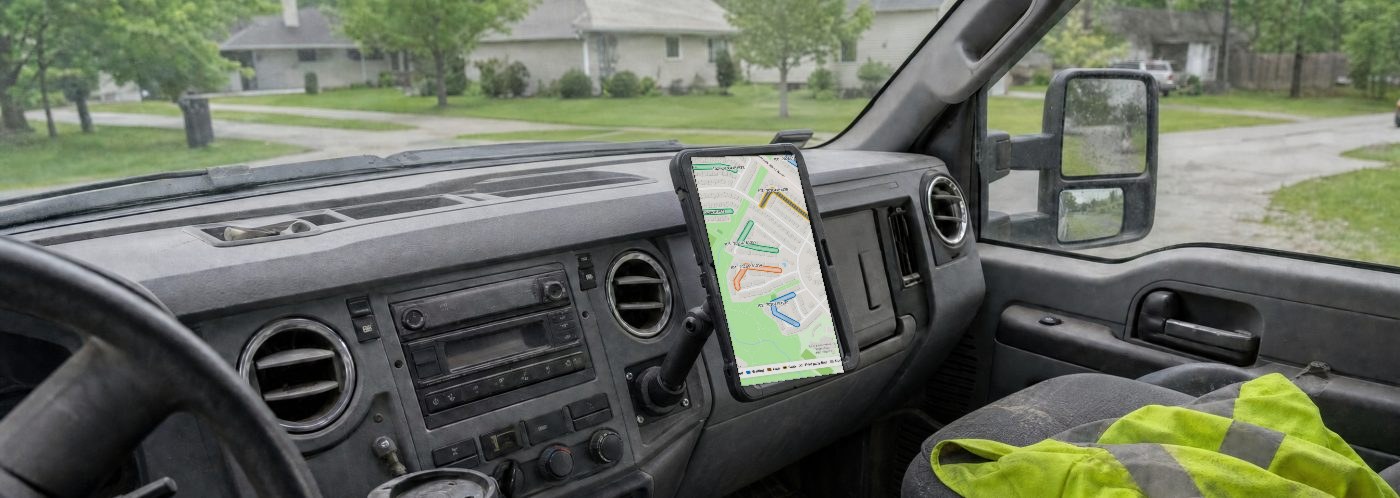
- Foreman opens the map. Elm is green: every utility has responded.
- Taps it. The complete package is already assembled.
- Crew checks the marks against the package. The Wednesday expiry is right on the screen.
- The office never got a call about Elm.
The tracker fills itself in.
Draw the dig zone once on the Ontario Dig Authority (One Call) portal, the way you do today. When the ticket is requested, the zone is already on your crew's map, and every response that follows is read for you. About four in five tickets are handled start to finish without anyone having to touch them.
Your dig zone, on your map
No second drawing in a second tool. The zone you drew for the request is the zone the crew sees, with its ticket number and the members it notified already listed.
80% handled start to finish
Emails, PDFs, images, KMZs, HTML: each response is matched to its ticket and member, and the expiry recalculates. Anything under confidence goes to a coordinator: the review queue shows the response and the reason, so the call takes seconds.
One package, the minute the last member responds
When the last member responds, the package assembles and delivers where you want it: email, SharePoint, folder, and the crew's map in the same minute. Every send is logged. Your phone tells you when a locate is ready.
per week back to each locate coordinator.
Ontario locate tickets processed through Dig Window.
of tickets handled start to finish without anyone having to touch them; the rest go to a coordinator with the reason.
Ontario's rulebook is the spec.
The 60-day validity floor, relocate timing, locate-sharing documentation, and the continuation-to-dig provisions arriving November 1, 2026. Ontario One Call became the Ontario Dig Authority on October 1, 2026: both email domains and both portal addresses are already handled. What you need to run it.
locate notifications answered late across Ontario in one month.
notifications sent to utilities that month. Every ticket notifies each utility on it, and one late answer holds up the ticket.
rule changes this autumn. Only one is a rule. Both guides below.
Ontario One Call is now Ontario Dig Authority
New name, new email domain, new portal address, same rules. The safelist and forwarding checklist, and what the new logo looks like.
Continuation to dig after a locate expires
Seven conditions, a statement and undertakings filed 15 to 10 days before expiry, and a 180 day limit. With a worked example and what to keep on site.
How long are locates good for in Ontario?
At least 60 days, set by each utility. Why the earliest expiry rules the ticket, response times, and when to request a relocate.
Built in Ontario, on a working locate desk.
Dig Window was built where the work happens. Behind it are 12+ years in Ontario’s locate process, on both the contractor side and the utility side. Several of those years went into creating, requesting and tracking locates on hundreds of kilometres of construction, and into building the processes that kept them straight. It started on an Ontario fibre contractor’s locate desk; its tickets, its utility responses, its expiry chasing, and the 7 a.m. phone calls asking whether a zone was clear. That contractor’s locates ran through the first version before anyone else’s did, and every status word on this site was settled on a real ticket. More than 4,000 Ontario tickets have been processed since.
DigWindow Limited is a federally incorporated Canadian company based in Brampton, Ontario. The platform is purpose-built for Ontario’s locate regime, Ontario One Call ticket formats, continuation rules, and the November 2026 regulation changes; not a US product with Ontario bolted on. Every feature in it exists because the job demanded it.
Write to support@digwindow.com or call 289-670-2345. Your questions go to someone who knows your tickets, not a call queue. More about Dig Window.
If it doesn't earn its place, you have sixty days.
Hydro, gas, water and sewer, FTTH, anchors. We migrate you in: your Ontario Dig Authority (One Call) email forwarding, your delivery preferences, your live tickets, usually moved over and working in 24–48 hours, so your crews can be on the map the first morning. Run it on your real tickets. If it hasn't paid for itself, cancel within sixty days of starting your first subscription and the base subscription fee comes back (terms).
Utility responses take about two weeks to come back, so a first complete ticket cycle runs about three weeks from the day you start. Your live tickets come across on day one, so nothing in flight is lost while the first cycle completes.
Or email us at support@digwindow.com
Built in Ontario. Our main hosting is in Canada. Some service providers process or keep a backup copy outside Canada, as our Data and Security page explains. Write to us and you get a reply from someone who has run a locate desk.